Updated October 2026
Short answer
Most garage door openers in Houston built in the last decade can take a wireless keypad, new remotes and app control, either built in or through an add-on module. The visit is usually short, and the main question is whether your opener's radio system is compatible.
What smart access covers
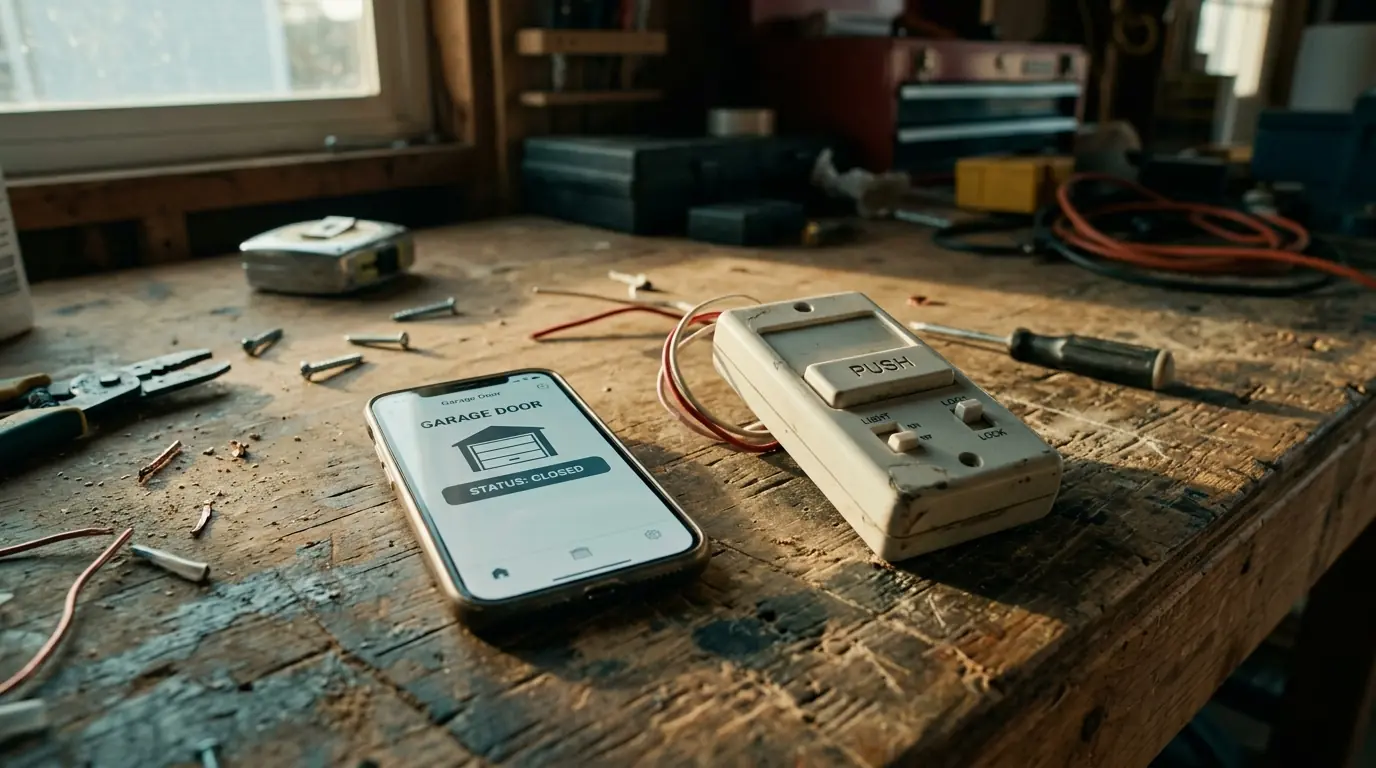
Access is everything that tells the opener to move: remotes, the wall control, a keypad outside, the buttons in your car, and an app on your phone. Each speaks to the opener by radio or Wi-Fi, and each has to be matched to the opener's system.
We start by reading the opener's model and its learn-button color or code system, because that decides which keypads, remotes and modules will work. Older openers sometimes need a universal receiver, and some are better replaced.
Which access option fits your household?
Most homes end up with more than one. Here is what each is good for.
| Option | Good for | Watch for |
|---|---|---|
| Wireless keypad | Kids, guests, dog walkers | Change the code when it is shared widely |
| Remotes and car buttons | Daily drivers | Clear lost remotes from the opener |
| App control | Checking the door when away | Needs good Wi-Fi in the garage |
What drives the cost of smart access
Most access jobs are short visits. The cost depends on the parts and how compatible your opener is.
- 1
Opener compatibility. Older radio systems may need a universal receiver.
- 2
Keypad. A new keypad is a part plus a short install.
- 3
Remotes. Priced per remote, programmed on the visit.
- 4
App module. Openers without built-in Wi-Fi need a hub.
- 5
Replacement instead. Very old openers may be better replaced.
Wireless keypad installation
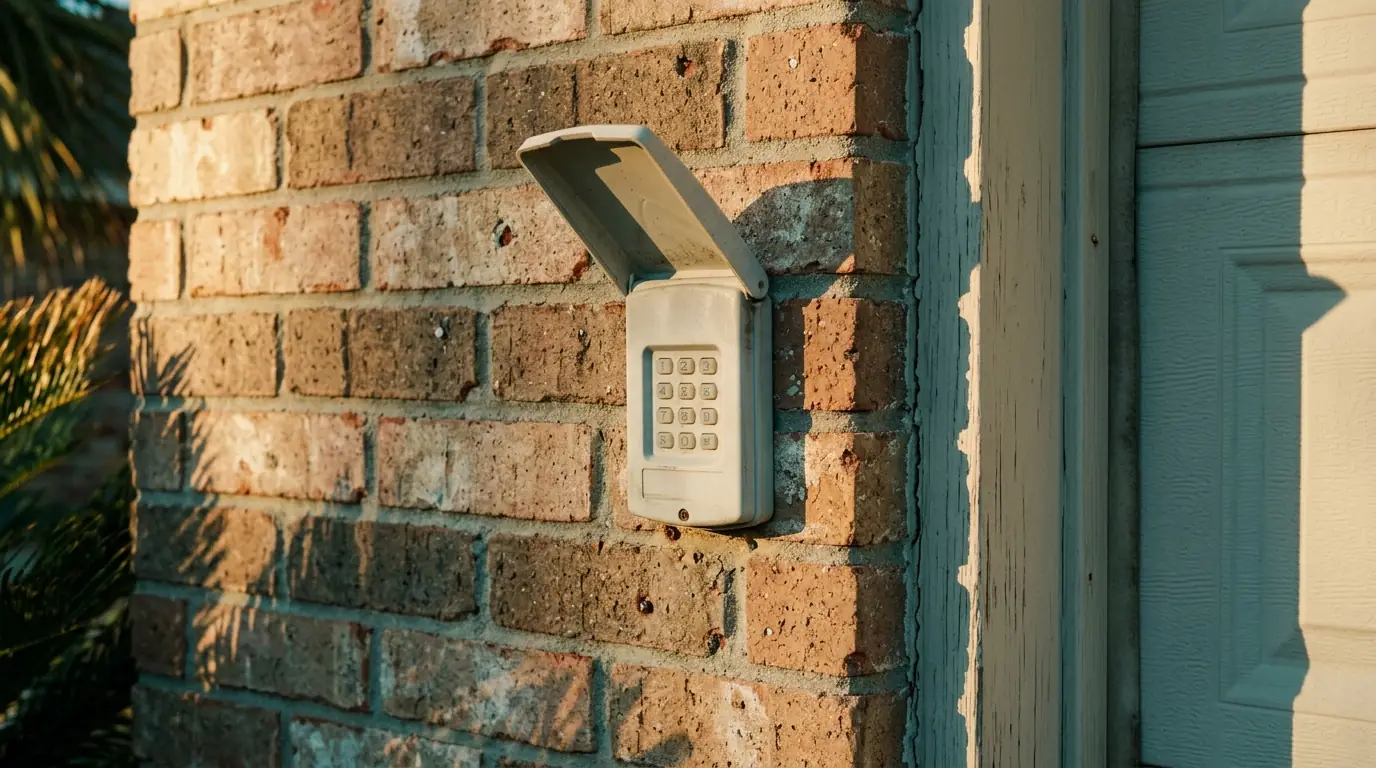
A keypad mounts outside beside the door so family members, cleaners or dog walkers can open the garage with a code instead of a key or a remote. We mount it at a comfortable height, program the code, and show you how to change it. On older openers that do not support current keypads, a universal receiver can bridge the gap, and we tell you which route your opener needs. Keypads run on batteries, so we fit fresh ones and show you how to swap them when the keypad starts to respond slowly.
Remote programming
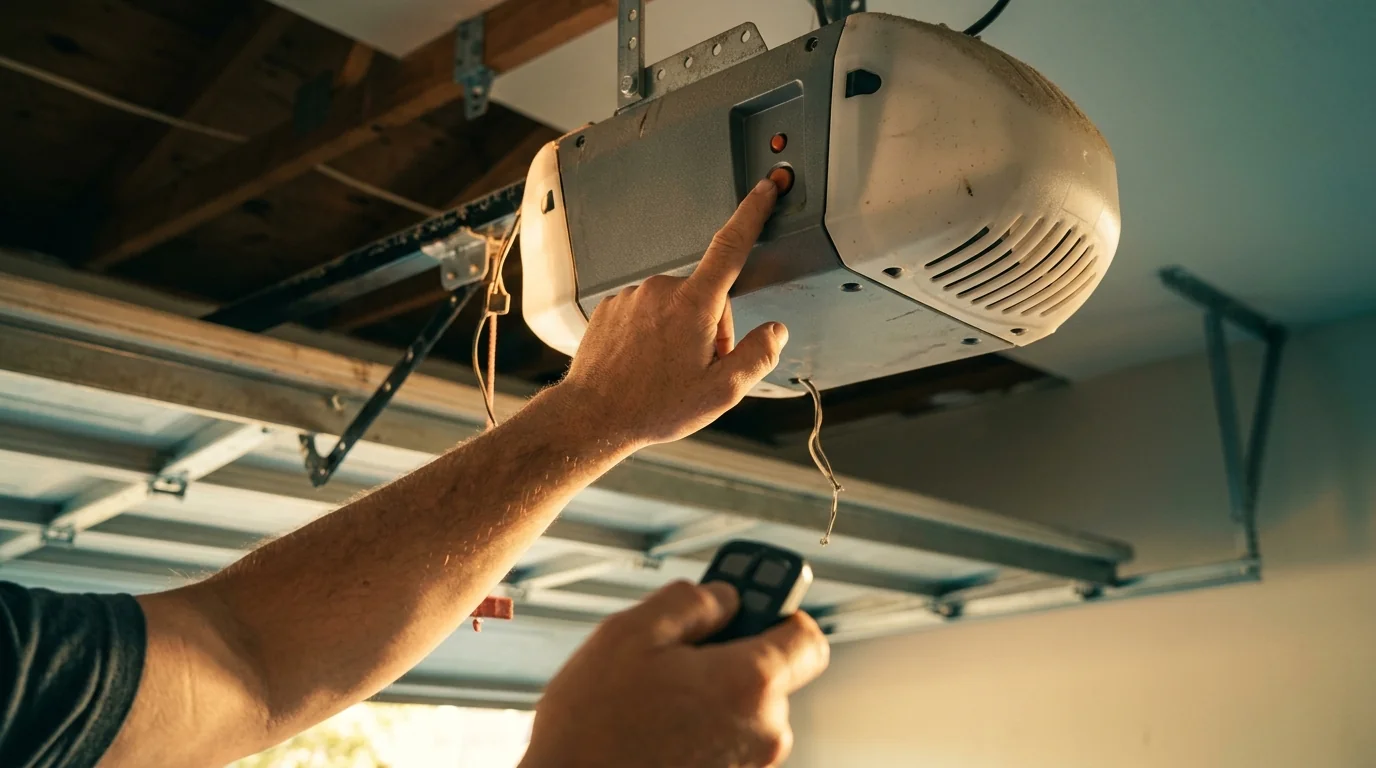
Lost or broken remotes are replaced with ones matched to the opener's radio system, then programmed in through the learn button. We also clear old remotes from the opener's memory when one has gone missing, so a lost remote cannot open the door. Car buttons such as HomeLink are programmed on the same visit where the car and opener are compatible. Remotes older than the opener's current radio system will not work even if they look the same, so we check the learn-button color or code before buying replacements. That one check saves a second trip.
Wi-Fi app connection
App control lets you open, close and check the door from anywhere, and get alerts if it is left open. Many current LiftMaster and Chamberlain openers have Wi-Fi built in; older compatible units take a small add-on hub. We connect it to your network, set up the app, and test it from outside the garage before we leave. We also turn on open-door alerts and show you how to share access with family members or set temporary access for a visitor, so nobody needs the master login. Weak garage Wi-Fi is the most common problem, and we tell you if a range extender is needed.
What you can set up yourself
Access setup is the friendliest part of a garage door for a homeowner, with a few limits.
| Task | Doing it yourself | Why we handle it |
|---|---|---|
| Program a new matched remote | Usually fine. | Follow the opener's learn-button steps. |
| Change a keypad code | Fine. | Check the keypad's instructions. |
| Clear lost remotes | Fine with the learn button. | Then re-add the remotes you still have. |
| Pick a compatible keypad | Can be tricky. | Radio systems differ by opener age and brand. |
| Wire a hub or receiver | Leave it to us. | It connects to the opener's terminals. |
How an access setup runs
Identify the opener
Model and radio system checked.
Choose the parts
Keypad, remotes or app module that match.
Install and mount
Keypad mounted, hub wired where needed.
Program everything
Remotes, car buttons, keypad code and app.
Test
Each device opens and closes the door, alerts checked.
Smart access in newer master-planned homes
Cypress has grown largely through master-planned communities such as Bridgeland, where Howard Hughes has been building since 2006 toward roughly 19,000 homes. Homes from that period often came with openers new enough to support app control and current keypads, so a smart-access visit there is usually a setup job rather than a replacement. Older openers elsewhere in the metro more often need a receiver or a new unit.
Brands we service and install
We set up keypads, remotes and app control on LiftMaster, Chamberlain, Genie and Craftsman openers, the brands most Houston garages use.
Questions about this job
Keypad, remote and app questions
Often yes, with built-in Wi-Fi or an add-on hub, if the opener is compatible.
We clear the opener's memory and reprogram the remotes you still have, plus new ones.
No. Keypads have to match the opener's radio system, which depends on its age and brand.
Yes, where the car and opener are compatible.
The opener works normally, but app control needs a Wi-Fi signal in the garage.
Yes, with a code you change when it has been shared widely.